PCjs Machines
Home of the original IBM PC emulator for browsers.
PCjs Blog
Goodbye XSLT
This is my brief take on the story of a web standard (XSLT) that was created around 25 years ago and has existed in all modern web browsers ever since, but has now been deemed too hard and too costly to maintain, too much of a security risk, and is used by a sufficiently small number of active websites that XSLT can simply be removed from web browsers – effectively killing all those pages currently using XSLT.
Like many of the pages on this, my own website.
The “killing” hasn’t started quite yet. Google’s plan was to disable XSLT in Chrome Canary builds starting in December 2025, but as of this time (March 2026), XSLT still appears to be enabled in Canary by default, so maybe there’s a new plan that I’m unaware of. By November 2026, according to the original plan, XSLT will be removed from all Chrome builds. And presumably other browser vendors will follow suit, since Google claims that other major browser vendors support their plan.
I’m not sure why XSLT didn’t work in my Raspberry Pi’s “Official Build” of Chromium (145.0.7632.116); perhaps it was removed early in order to save space. Anyway, I was blissfully unaware of all this until a few days ago, when I started tinkering with a Raspberry Pi and decided to see how well PCjs ran in the Pi’s default web browser.
At first, all seemed well.
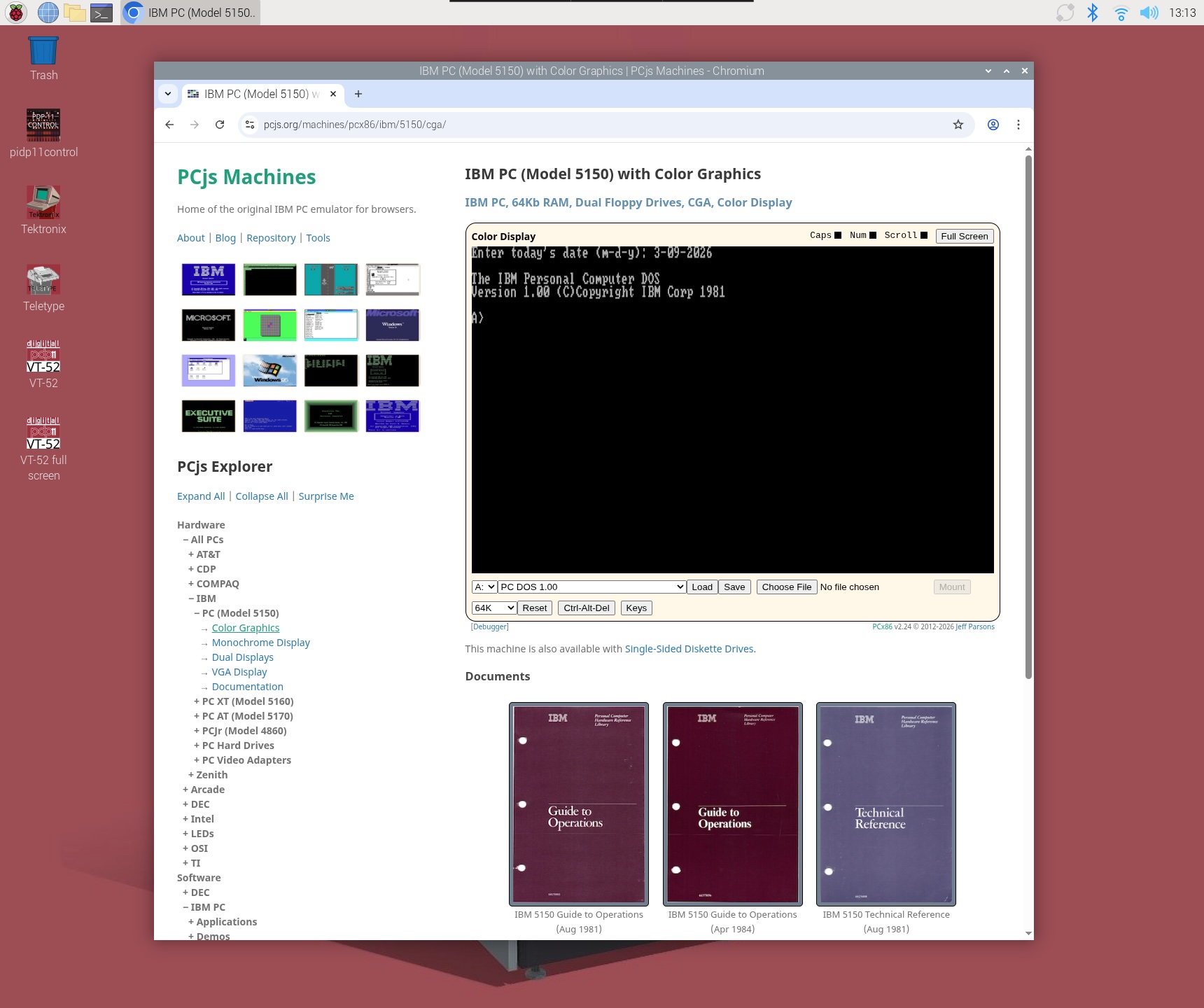
But that particular IBM PC was a newer machine using a JSON config file. Most of the machines on PCjs use XML config files, and I quickly discovered that all those machines were broken.
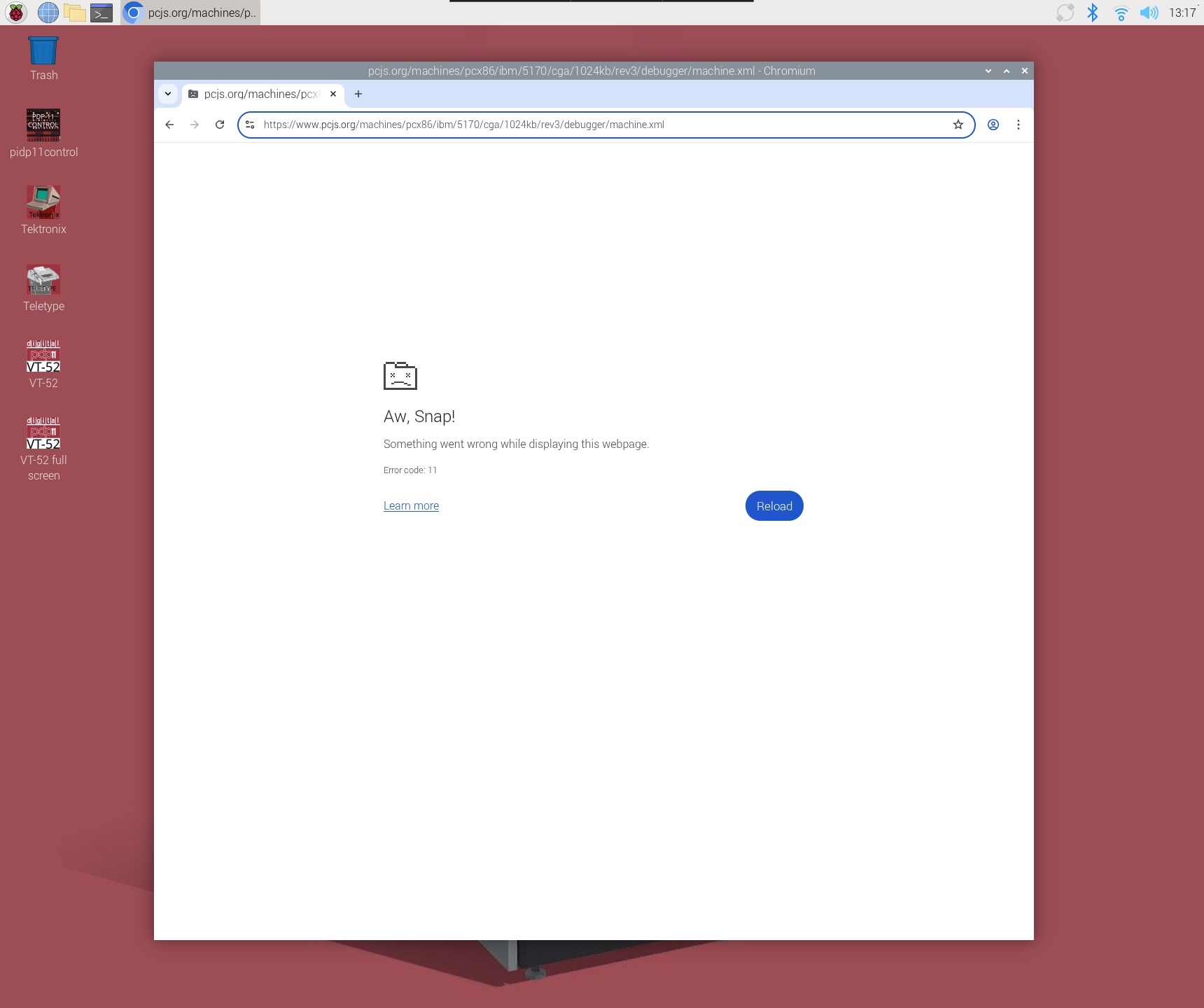
Note that the machine on that page doesn’t simply use an XML config file. The entire page is an XML config file. Here’s what that XML file looks like:
<?xml version="1.0" encoding="UTF-8"?>
<?xml-stylesheet type="text/xsl" href="/machines/pcx86/xsl/machine.xsl"?>
<machine id="ibm5170" type="pcx86" border="1" pos="center" background="default">
	<name pos="center">IBM PC AT (8Mhz), 1Mb RAM, Dual Floppy Drives, CGA</name>
	<computer id="at-mda-1024k" name="IBM PC AT" buswidth="24"/>
	<cpu id="cpu286" model="80286" cycles="8000000"/>
	<ram id="ramLow" addr="0x00000" size="0xa0000" test="false" comment="ROM BIOS memory test has been disabled"/>
	<ram id="ramExt" addr="0x100000" size="0x60000" comment=""/>
	<rom id="romBIOS" addr="0xf0000" size="0x10000" alias="0xff0000" file="/machines/pcx86/ibm/5170/rom/bios/1985-11-15/ATBIOS-REV3.json5"/>
	<video ref="/machines/pcx86/ibm/video/cga/ibm-cga.xml"/>
	<fdc ref="/machines/pcx86/ibm/fdc/library.xml" autoMount='{A: {name: "PC DOS 3.20 (Disk 1)"}, B: {name: "PC DOS 3.20 (Disk 2)"}}'/>
	<hdc ref="/machines/pcx86/ibm/hdc/20mb/unformatted-at2.xml"/>
	<keyboard ref="/machines/pcx86/ibm/keyboard/us84-softkeys.xml"/>
	<debugger id="debugger" messages="fault" commands=""/>
	<panel ref="/machines/pcx86/panel/wide286.xml"/>
	<chipset id="chipset" model="5170" floppies="[1200,1200]" monitor="color"/>
	<serial id="com1" adapter="1"/>
	<serial id="com2" adapter="2" binding="print"/>
	<mouse serial="com1"/>
</machine>
When I started designing this website, I initially envisioned it as little more than a collection of XML files. Unfortunately, search engines and other websites didn’t really know what to make of them, so for SEO and other reasons, I decided to “wrap” all my XML files with HTML files. But the XML files are still there, and they’re still required. For every machine on the website, whether you load its HTML page or its XML file, the same XSLT engine in the browser transforms it. The only difference is that in the HTML case, the transformation is handled by some additional JavaScript (eg, a call to XSLTProcessor()), and in the XML case, the entire transformation is handled by the browser itself.
And even though I have since created a handful of machines that use JSON config files, I still prefer the original XML-based design, because all a machine’s visual elements ultimately have to be rendered in HTML, and the XML format is a much more natural and succinct way to express both the features of the machine and its appearance (eg, labels, positions, controls, buttons, etc).
Work-arounds
Google has provided a polyfill that contains the XLST functionality being removed, and it seems to work well.
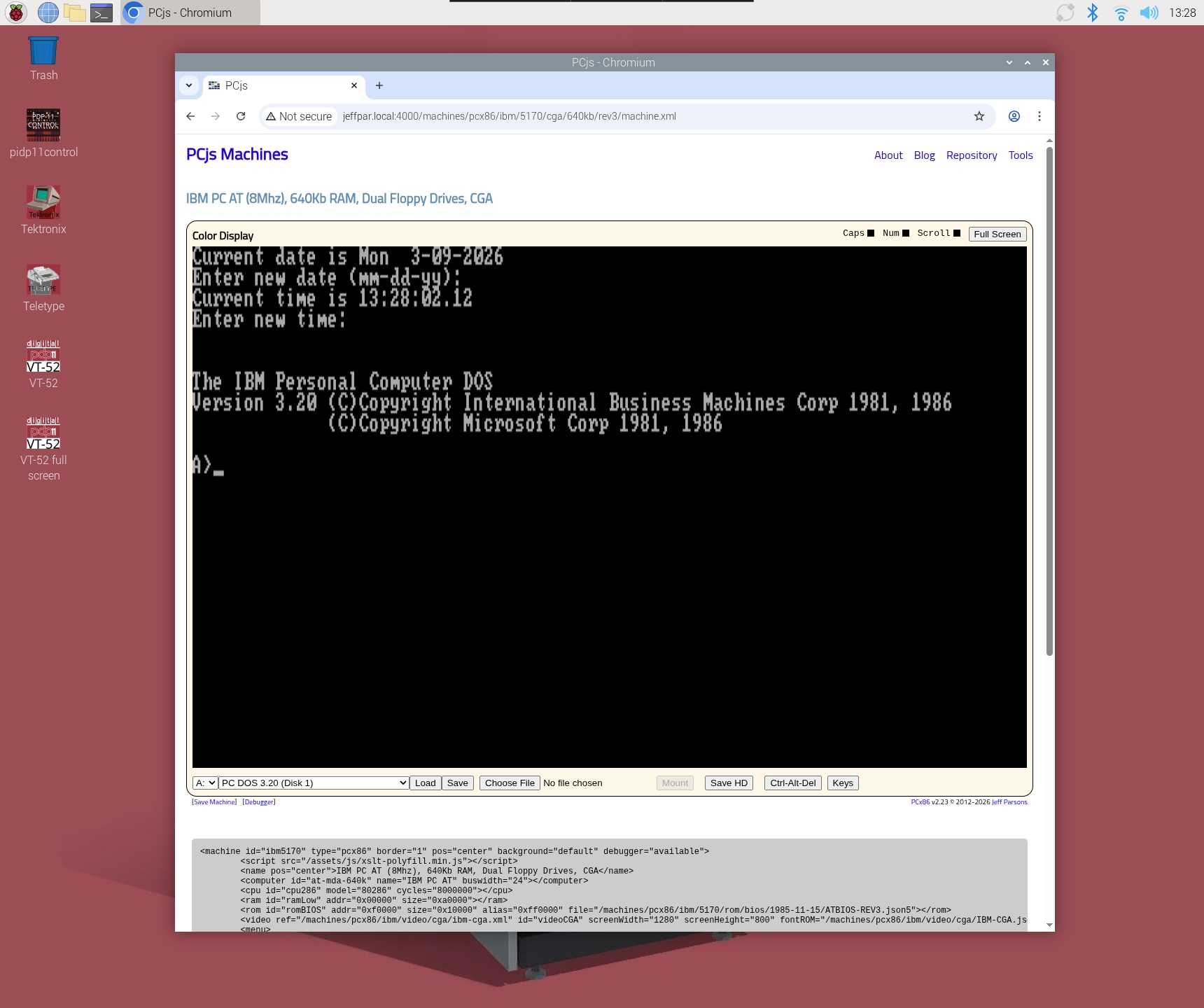
However, their polyfill is a rather large 1.4Mb minified package – more than 3 times the size of my minified JavaScript emulator – that has to be explicitly loaded in every HTML page (and in every XML file).
And one wonders why Google couldn’t do something a little more “seamless”, such as automatically loading the polyfill, or at least offering to do so after alerting the user. Console messages are nice, but they are largely invisible to the general public. And with no explanation from the browser, the user may not even be aware there’s a problem with the page. And if they are aware of a problem, will they understand that the problem is the browser’s fault, not the page’s?
When I tested PCjs in Chrome with XSLT support explicitly disabled, I could see that an exception had occurred in the console window:
Uncaught ReferenceError: XSLTProcessor is not defined
but since PCjs never expected that call to fail, it doesn’t report anything to the user, so no machine appears, leaving the user in the dark.
Fall-out
It’s clear there will be portions of the web that will simply stop working. Yes, those portions will be very very small. But what is the threshold that makes this OK? According to Google, usage of XSLT is well “above the typical 0.001% deprecation threshold”. But then they decide to ignore that threshold, because they also “feel that the increased potential for breakage is balanced by the reduced security risk to 100% of Chromium users”. They don’t elaborate on how that balance is calculated, or how it overcomes their deprecation threshold. It just does.
At the end of the day, Google is going to do what Google is going to do. One would like to think that once standards have been set, they are cast in some sort of “virtual stone”, so that people like me can be confident that a website that worked 10 years ago will still work 10 years from now. Unfortunately, this tail-wagging-the-dog approach to web standards makes it clear that is not a safe assumption.
Jeff Parsons
Mar 9, 2026