PCjs Machines
Home of the original IBM PC emulator for browsers.
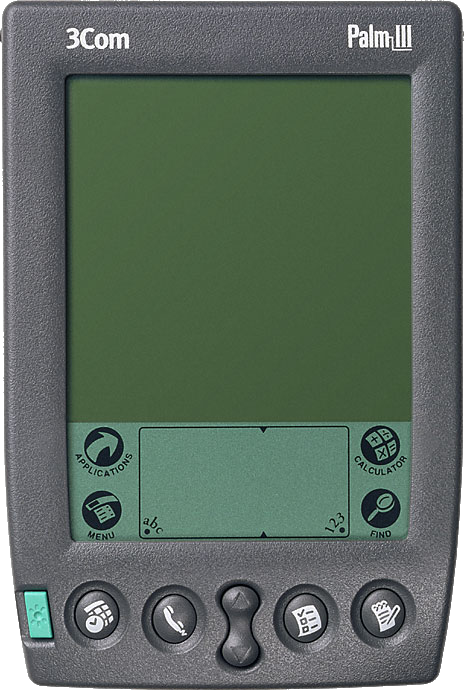
Palm III (1998)
This PCjs machine emulates the 3Com Palm III, running the PalmOS 3.3 ROM. It uses the same PCjs Palm emulation modules as the Palm Pilot, with the same Motorola MC68328 (“DragonBall”) CPU and LCD controller, but with 2Mb of RAM and a newer ROM, which supports a 4-level grayscale display (2 bits per pixel).
The image of the Palm III is the 2x “skin” from the Palm OS Emulator (POSE), and the positions of the screen, digitizer, and buttons are taken from the POSE skin file as well.
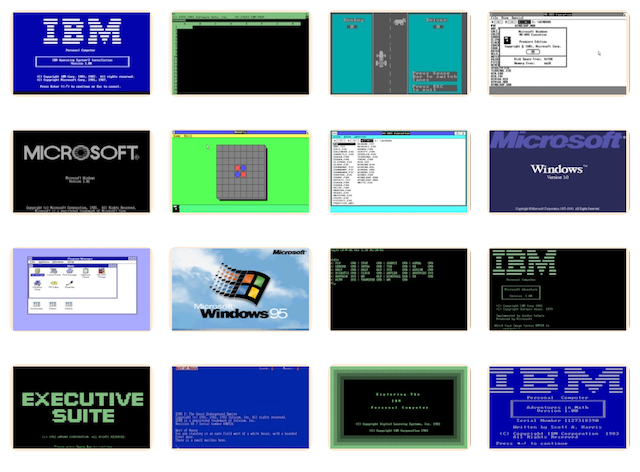
Demos
Click any of the following applications to install it on the Palm III and launch it (make sure the Palm III is on and has been calibrated first). Once installed, an application remains on the device (until it’s reset), and it can be launched again using the Applications button.
You can also install applications using the Debugger’s load command (eg, load demos/Bejeweled.prc). Any of the Palm Pilot’s demos can be installed as well.
Palm III Emulation Notes
The PCjs Debugger is available in the Diagnostics window below the machine. Type ? for a list of commands.